Export an Audience for ChatGPT Ads
Last updated: July 13, 2026
Export a Vector audience in the format required for ChatGPT Ads Custom Audiences.
With Vector, you can export customer or prospect audiences as a CSV file that can be uploaded directly into OpenAI Ads Manager.
Before you begin
Before exporting your audience, make sure you have:
A saved Segment in Vector
Access to ChatGPT Ads
A Vector segment audience of at least 150,000 contacts (OpenAI requires 25,000 matched users to activate an audience and recommends 100,000+ for it to perform well — due to this we recommend exporting 150k+ contacts to comfortably clear those thresholds)
Note: Vector exports the audience file only. You'll upload the CSV into ChatGPT Ads after the export is complete.
Export your audience
Navigate to Segments.
Open the segment you'd like to export.
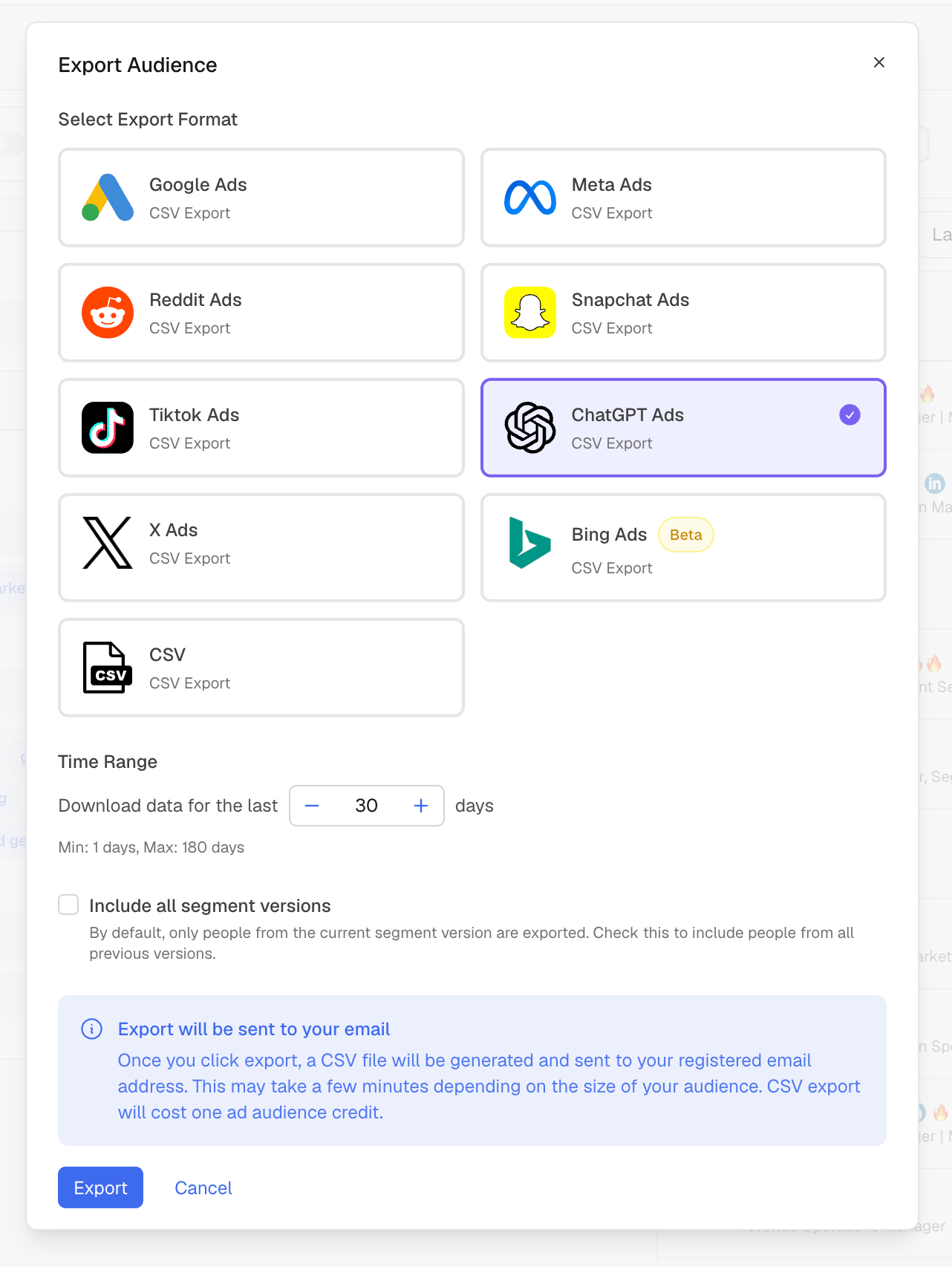
Click Export Audience.
Select ChatGPT Ads as the export destination.
The export dialog includes several options:
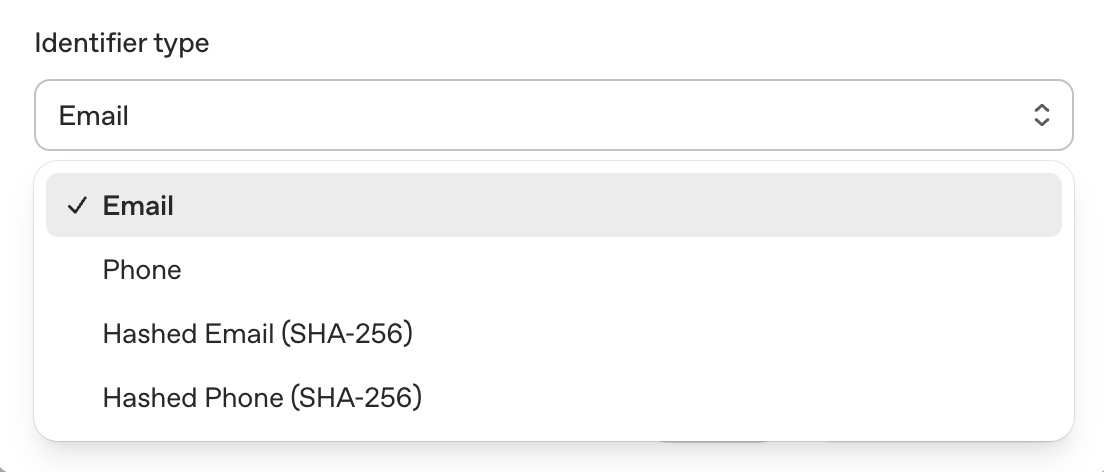
Choose your identifier type
Select the identifier that matches how you'll create your audience in ChatGPT Ads.
Available options include:
Email
Phone
Hashed Email (SHA-256)
Hashed Phone (SHA-256)
Important: OpenAI only allows one identifier type per upload. Do not combine emails and phone numbers in the same export.
Select a time range
Choose how many days of audience data to include.
You can export between 1 and 180 days of activity.
Include all segment versions (optional)
By default, Vector exports contacts from the current version of your segment.
Enable Include all segment versions if you'd like to include contacts from previous versions of the segment as well.
Generate your export
Click Export.
Vector will generate your CSV file and email it to the address associated with your account.
Depending on audience size, export generation may take several hours.
Note: Exporting an audience consumes one Ad Audience Credit.
Upload your audience to ChatGPT Ads
Once you've received your export:
Sign in to OpenAI Ads Manager.
Navigate to Settings.
Open the Audiences tab.
Click Create custom audience.
Enter a name for your audience.
Select the same identifier type you chose when exporting from Vector.
Upload the CSV file.
Review your settings and click Create.
OpenAI will process your audience before it becomes available for targeting. Processing typically takes 20–30 minutes, depending on audience size.
Use your audience
After processing is complete, your audience can be used to:
Include specific customers or prospects in a campaign
Exclude existing customers from campaigns
Apply bid multipliers to high-value audiences
Best practices
Export only one identifier type per file.
Use the same identifier type when uploading to ChatGPT Ads.
Larger audiences generally produce better match rates. OpenAI recommends audiences of 100,000 or more.
If you update your audience, export a new file and create a new Custom Audience in ChatGPT Ads. Existing audiences cannot be edited after they're created.
Troubleshooting
My audience is marked "Too small."
OpenAI requires at least 25,000 matched users before a Custom Audience can be used. Consider expanding your segment before exporting.
My upload failed.
Verify that:
You selected the correct identifier type.
The same identifier type was selected during upload.
Only one identifier type is included in the file.
I haven't received my export email.
Large audiences can take several minutes to process. If your export doesn't arrive, check your spam folder or try generating the export again.